For Google TV & Android TV

Your TV is off more than it’s on. Let it hang art.

ArtFrame replaces your TV’s screensaver with museum paintings and photography, full screen in 4K. A Mac app installs it, fills it with art, and puts the time, weather and your day a glance away.

Version 0.4.0 · What’s new · macOS 14 Sonoma or later · Google TV or Android TV

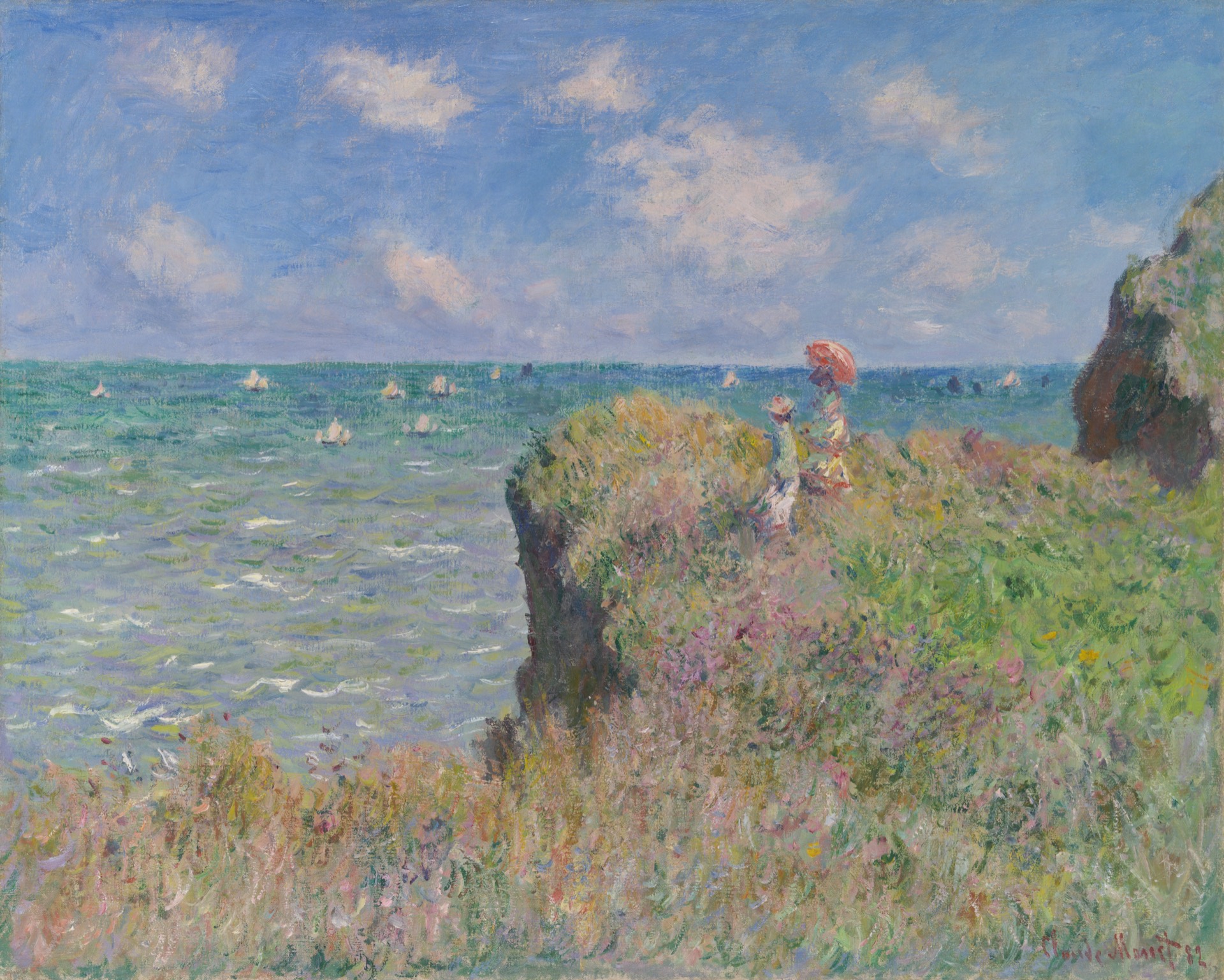
Cliff Walk at Pourville, Claude MonetCliff Walk at Pourville · Claude Monet
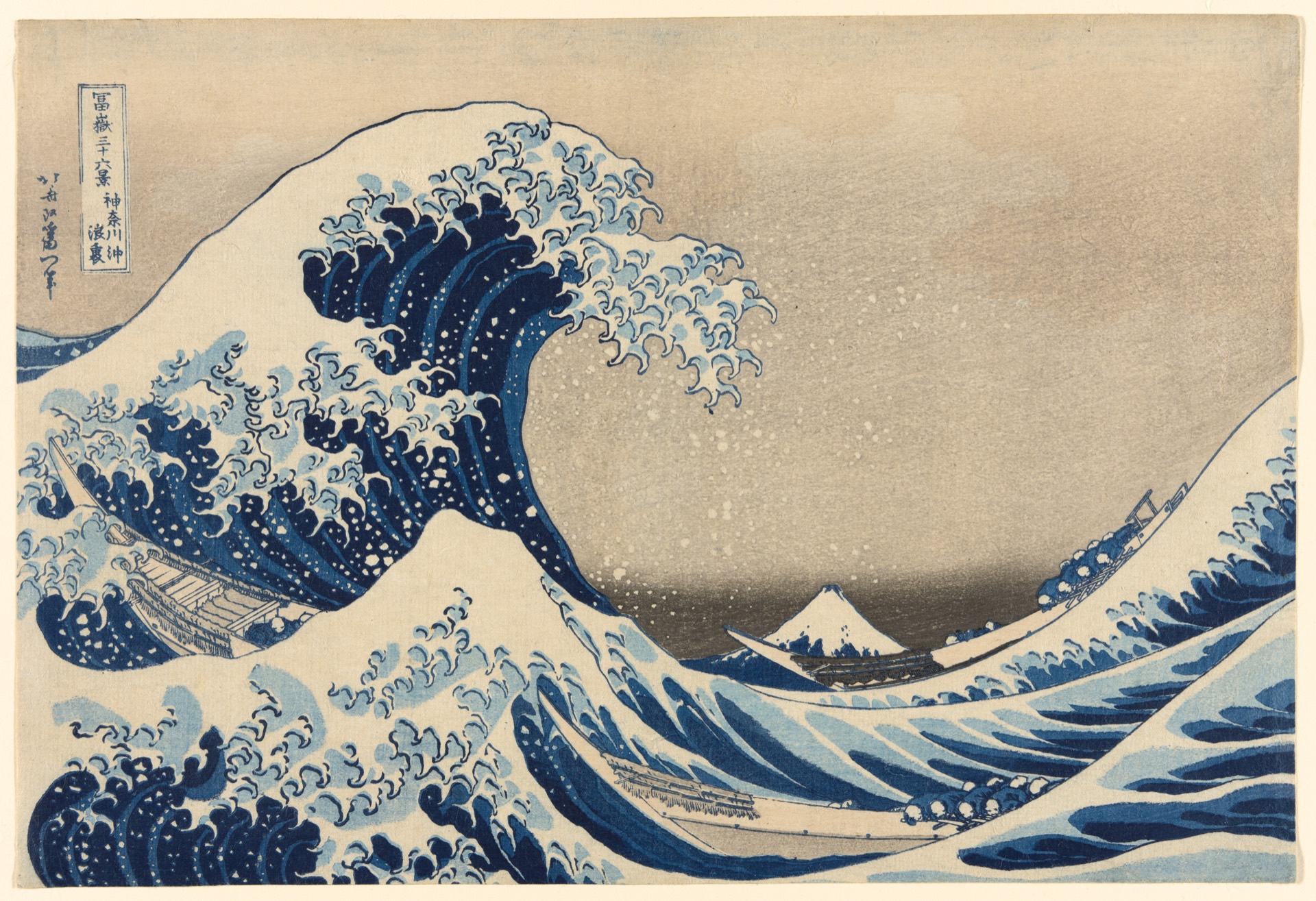
Under the Wave off Kanagawa (The Great Wave), Katsushika HokusaiUnder the Wave off Kanagawa (The Great Wave) · Katsushika Hokusai
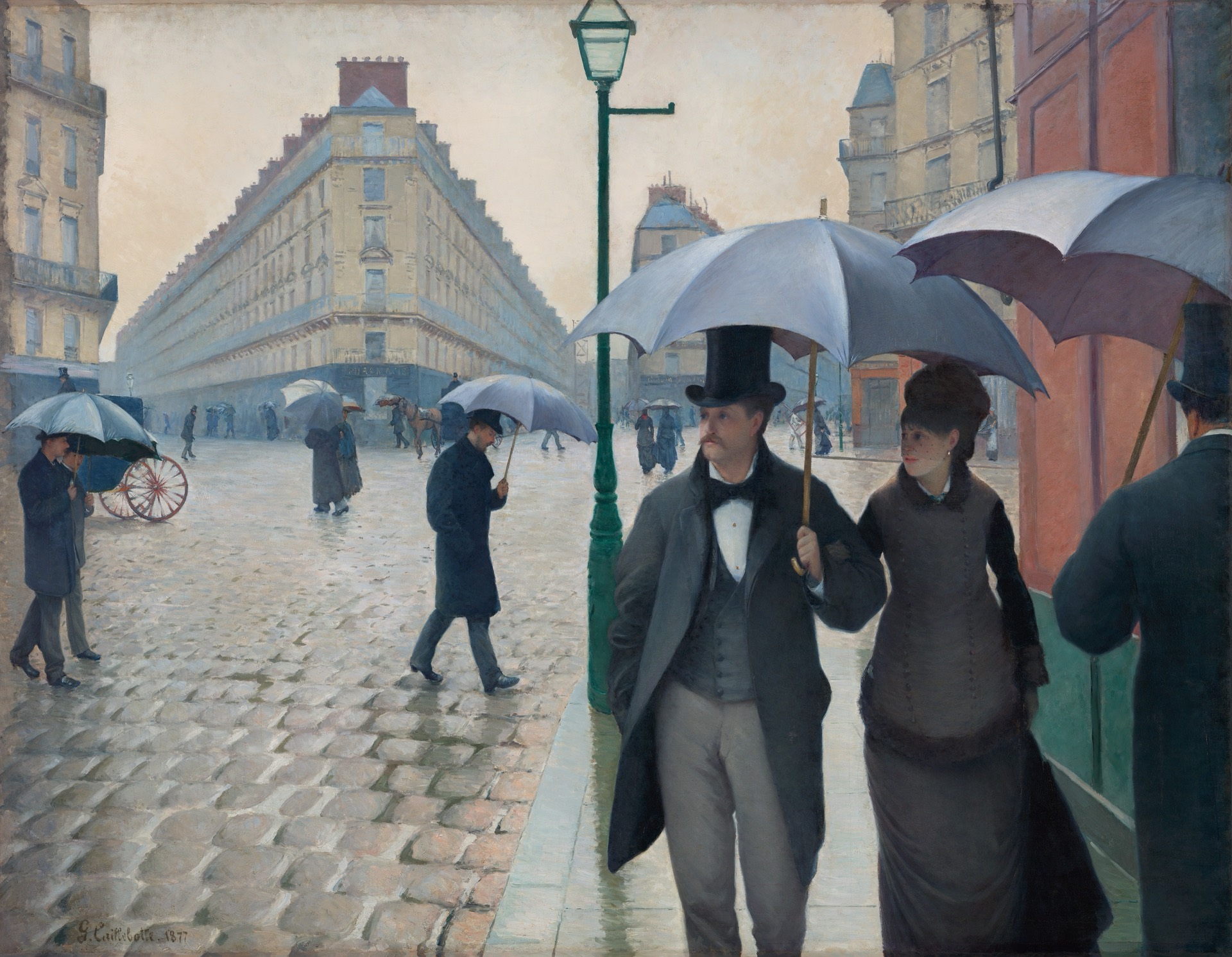
Paris Street; Rainy Day, Gustave CaillebotteParis Street; Rainy Day · Gustave Caillebotte
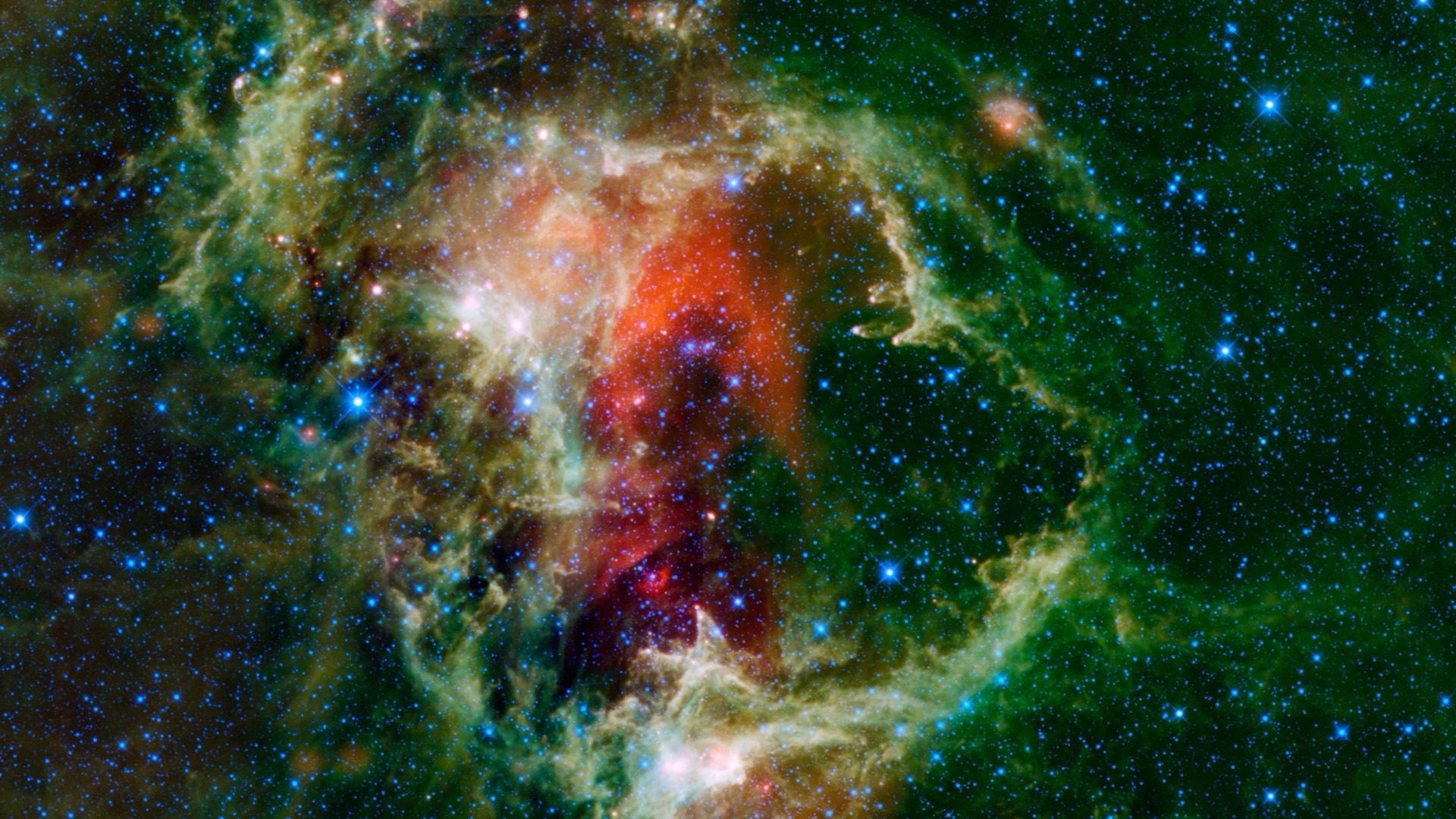
Soul Nebula, NASA/JPL-CaltechSoul Nebula · NASA/JPL-Caltech
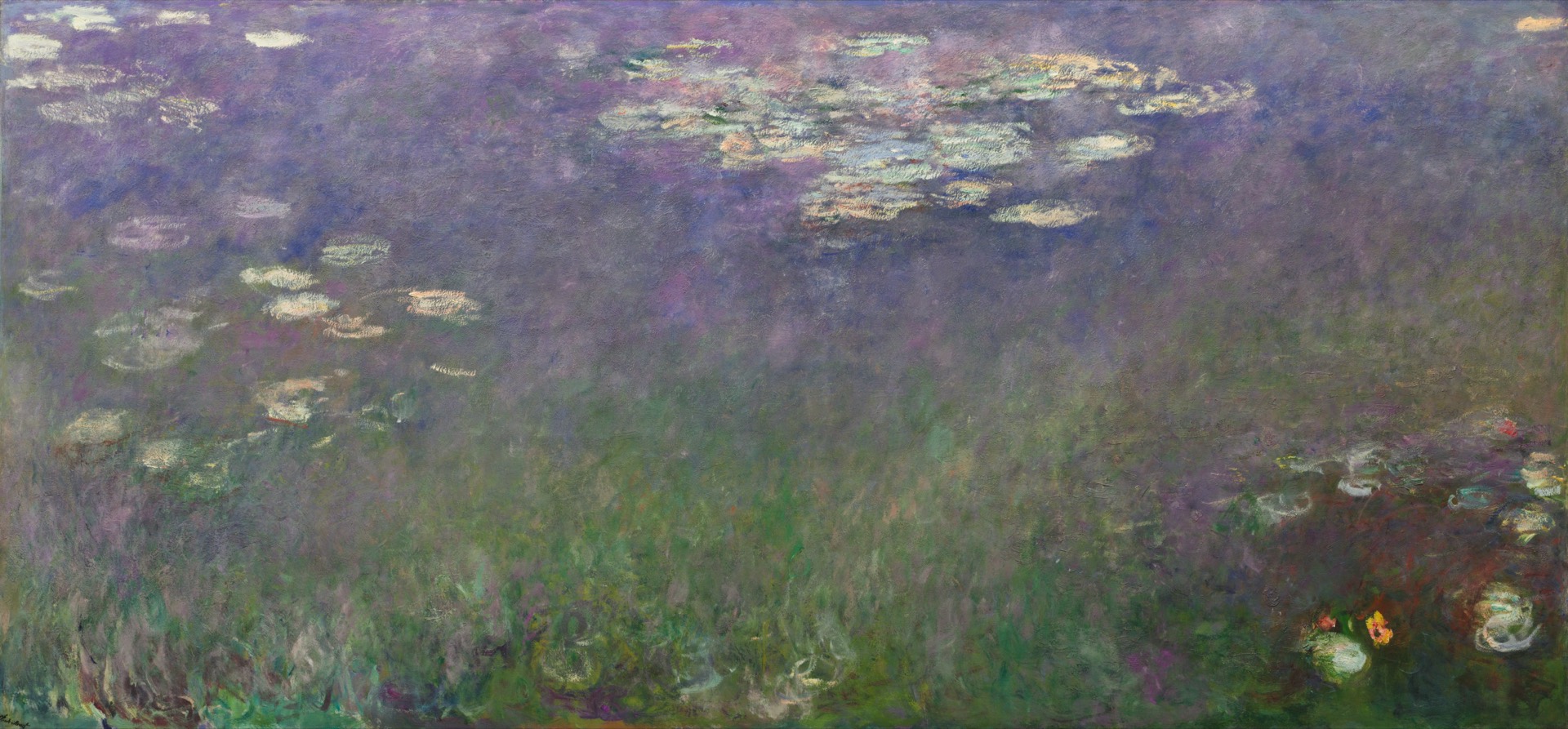
Water Lilies (Agapanthus), Claude MonetWater Lilies (Agapanthus) · Claude Monet
Mishima: Morning Mist, Utagawa HiroshigeMishima: Morning Mist · Utagawa Hiroshige

Art from

  • Art Institute of Chicago
  • Cleveland Museum of Art
  • Wikimedia Commons
  • NASA
  • Unsplash

What it does

A gallery wall that was already in your living room.

Museum art, in 4K

Open-access paintings from the Art Institute of Chicago and the Cleveland Museum of Art, photography from Wikimedia Commons, NASA and Unsplash, or your own pictures. Every image is checked against your 3840×2160 screen before it downloads.

Paintings stay whole

Photos are cropped to 16:9 only when little is lost. Paintings are never cropped: they sit on a soft, blurred wash of their own colors instead of black bars.

Kind to OLED

Each piece drifts slowly while it’s on screen and cross-fades to the next, and the screen dims at night. Nothing stays put long enough to burn in.

A label for every painting

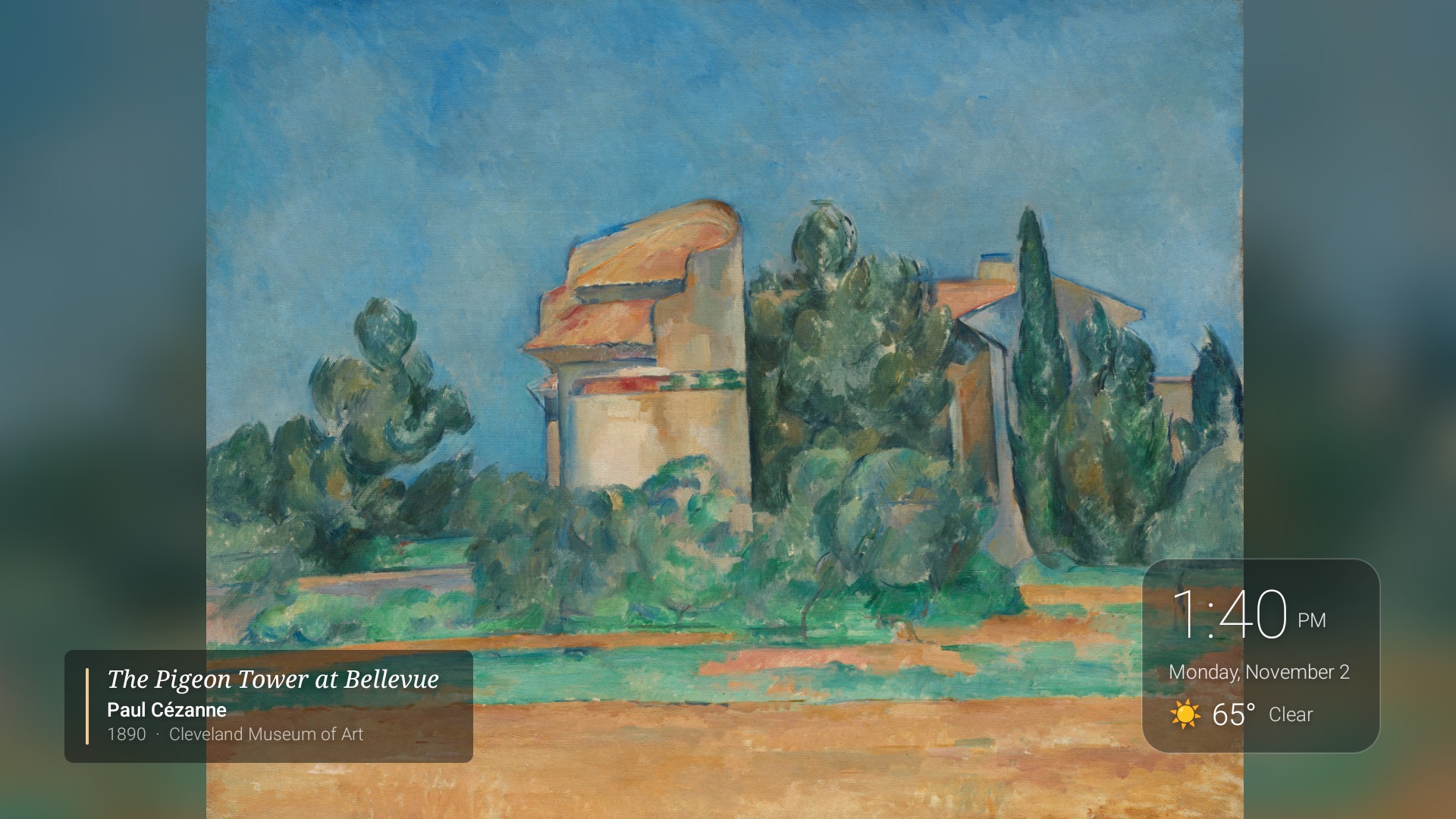
As each piece appears, a small museum-style label names it: title, artist, year and collection. It fades after a few seconds, or stays if you like.

Set up from your Mac

The setup assistant finds your TV on the network, walks you through the one-time developer settings, installs ArtFrame and makes it the screensaver.

Sony BRAVIA extras

On Sony TVs, adjust picture, sound and power from the Mac, including “picture off”, which darkens the panel while music keeps playing.

Thirteen themes, or search for anything

  • Impressionism
  • Japanese prints
  • Deep space
  • Earth from orbit
  • Aurora
  • Ocean
  • Mountains
  • Forest
  • Night cities
  • Autumn
  • Winter
  • Spring
  • Summer

“This season” picks the right one for the time of year. Or search by painter, or by subject: “lighthouse”, “Kyoto”, “Saturn”.

On your TV

Like a gallery wall, label included.

A small clock and weather card sits in the corner you choose, and each painting gets its wall label. Both shift a little with every picture and dim at night, so neither burns into an OLED.

Cézanne's The Pigeon Tower at Bellevue on a TV, with a museum label at bottom left and a clock and weather card at bottom right
Captured from a Sony BRAVIA XR-55A80K running ArtFrame.

Information screen

Between paintings, the morning at a glance.

Every few paintings, or all the time if you like, ArtFrame shows glass cards over a blur of the current picture: the time, today’s weather, your calendar, a market watchlist and the headlines from feeds you choose.

  • Google Calendar or any calendar with an iCal (.ics) link
  • Any stock, index, currency or crypto symbol
  • Any RSS or Atom news feed
  • No API keys, no accounts
  • Or just the corner clock, or nothing at all

How it works

Ten minutes, once.

  1. 1

    Unlock your TV

    Press one item in the TV’s About screen seven times to reveal Developer options, then turn on debugging. The guide for your TV shows exactly where.

  2. 2

    Connect your Mac

    ArtFrameRemote finds the TV on your network. Approve it on the TV screen, and the app installs ArtFrame and makes it the screensaver.

  3. 3

    Choose your art

    Pick a theme, search for a painter, or add your own photos, then send them to the TV. Next time it goes idle, it’s a gallery.

Read the full setup guide →

Questions

Good to know.

Which TVs does it work with?

Any TV or streaming stick that runs Google TV or Android TV: Sony BRAVIA, TCL, Hisense, Philips and Sharp Google TV models, Chromecast with Google TV, Google TV Streamer, NVIDIA SHIELD and more. Roku, Fire TV, Samsung (Tizen), LG (webOS) and VIDAA TVs can’t run it, but a $20–$100 Google TV stick plugged into any TV can. Find your TV →

What is “developer mode”, and is it safe?

It’s a hidden settings menu Android uses to let a computer install apps. You turn it on once, and the TV asks you to approve your Mac the first time it connects. Only computers you approve can use it, and you can turn it off again at any time. What debugging allows →

Do I need to know anything technical?

No. If you can find Settings on your TV remote, you can set it up. It takes about ten minutes, once, and the Mac app shows each step as you go. Read the setup guide →

Will it burn in my OLED?

ArtFrame is built for OLEDs. Every picture drifts a little while it’s on screen, pictures change on a timer you set, and the screen dims during the night hours you choose.

Is there a Windows or iPhone version?

Not yet. Setup and control run from a Mac (macOS 14 Sonoma or later). Once ArtFrame is installed, it runs on the TV on its own; the Mac only needs to be on when you change the art or settings.

Does it need an account or send my data anywhere?

No account. Art is stored on your Mac and copied to your TV over your home network. Weather, markets and headlines come from free public sources that need no keys, and your calendar link stays on your devices.
ArtFrameRemote for Mac

Everything you need: the Mac app, the TV app inside it, and the setup assistant. It keeps itself up to date.

Version 0.4.0 · 15 MB disk image · signed and notarized by Apple · Release notes

macOS 14 Sonoma or later · Google TV or Android TV